

10 Best Stock Market Analysis Tools for 2026
10 Best Stock Market Analysis Tools for 2026
Introduction
Who this guide is for: You want the right blend of real-time data, screening, charting, AI insights, backtesting, and broker integration—without paying for features you won’t use. This practical buyer’s guide ranks 15 standout tools, shows how to build the ideal stack for your style, and gives copy-and-paste workflows to cut through noise fast.
What Are Stock Market Analysis Tools?
Stock market analysis tools are software platforms and services that help you research, monitor, and evaluate securities. They typically include one or more of the following capabilities:
- Market data & charting: Real-time and historical prices, technical studies, alerts, and visualizations.
- Screening & discovery: Filters for fundamentals (revenue growth, margins), valuation (P/E, EV/EBITDA), technicals (RSI, moving averages), and themes (dividends, momentum).
- Fundamentals & filings: Financial statements, ratios, estimates, transcripts, and access to company documents.
- News & events: Curated headlines, corporate actions, earnings calendars, and macro updates.
- AI & analytics: Signal detection, sentiment analysis, anomaly spotting, portfolio risk summaries, and decision support.
- Backtesting & automation: Rules testing, strategy optimization, and workflow automation from alert to order.
- Broker integration: Trade tickets, order management, and post-trade analytics within the same workflow.
Think of them as building blocks. You can use a single, all-in-one platform—or combine best-in-class tools for charting, fundamentals, AI signals, and execution.
Why Use Stock Market Analysis Tools?
- Speed: Compress hours of manual research into minutes with screeners, alerts, and AI-assisted summaries.
- Breadth: Track more symbols, markets, sectors, and geographies without drowning in information.
- Consistency: Apply the same criteria every time—use saved screens, templates, and checklists to avoid ad-hoc decisions.
- Signal-to-noise: Filter headlines and social chatter to focus on credible, decision-relevant events.
- Risk control: Monitor position/sector exposures, scenario tests, and drawdown risks so you can size and hedge intelligently.
- Evidence-based iteration: Backtest ideas, review performance, and improve your process with data rather than hunches.
- Workflow alignment: Integrate research, alerts, and execution so you can act when markets move—without tool-switching.
- Cost efficiency: Match features to your actual needs; a smart stack often outperforms a single expensive desktop.
The 10 best stock market analysis tools in 2026
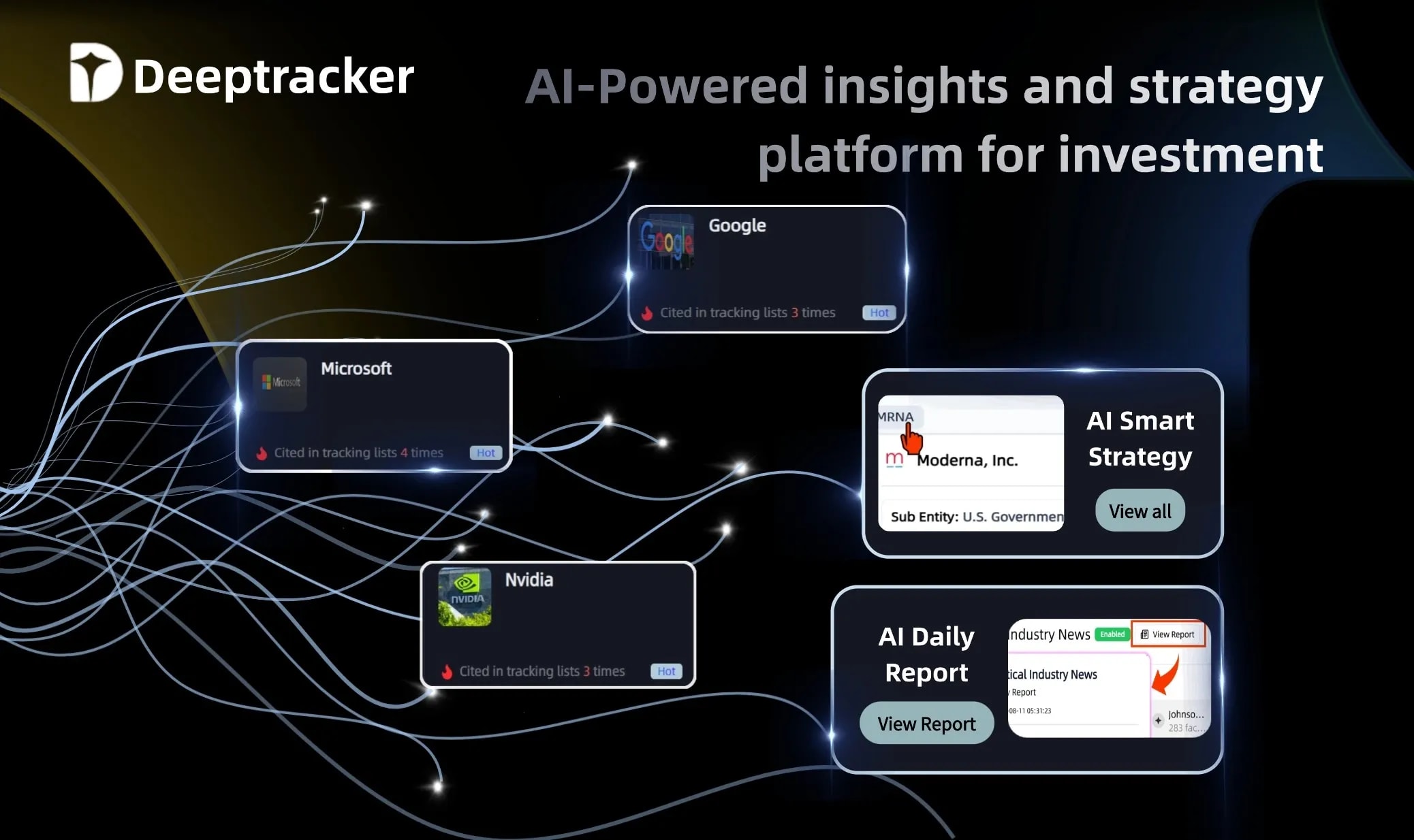
1. Deeptracker AI — your AI signal layer for research, risk & strategy
Use Deeptracker AI to capture early, credible signals (supply chain, policy, corporate events), filter multi-source noise, map exposure across multi-tier supply chains, and turn verified events into watchlists and actions. Start with AI event tracking and signal filtering; add the financial news sentiment tool, AI balance-sheet analysis, and the portfolio analyzer to benchmark risks and factor drift. Think of it as the decision engine that sits on top of your charts, screeners, and filings workflow.

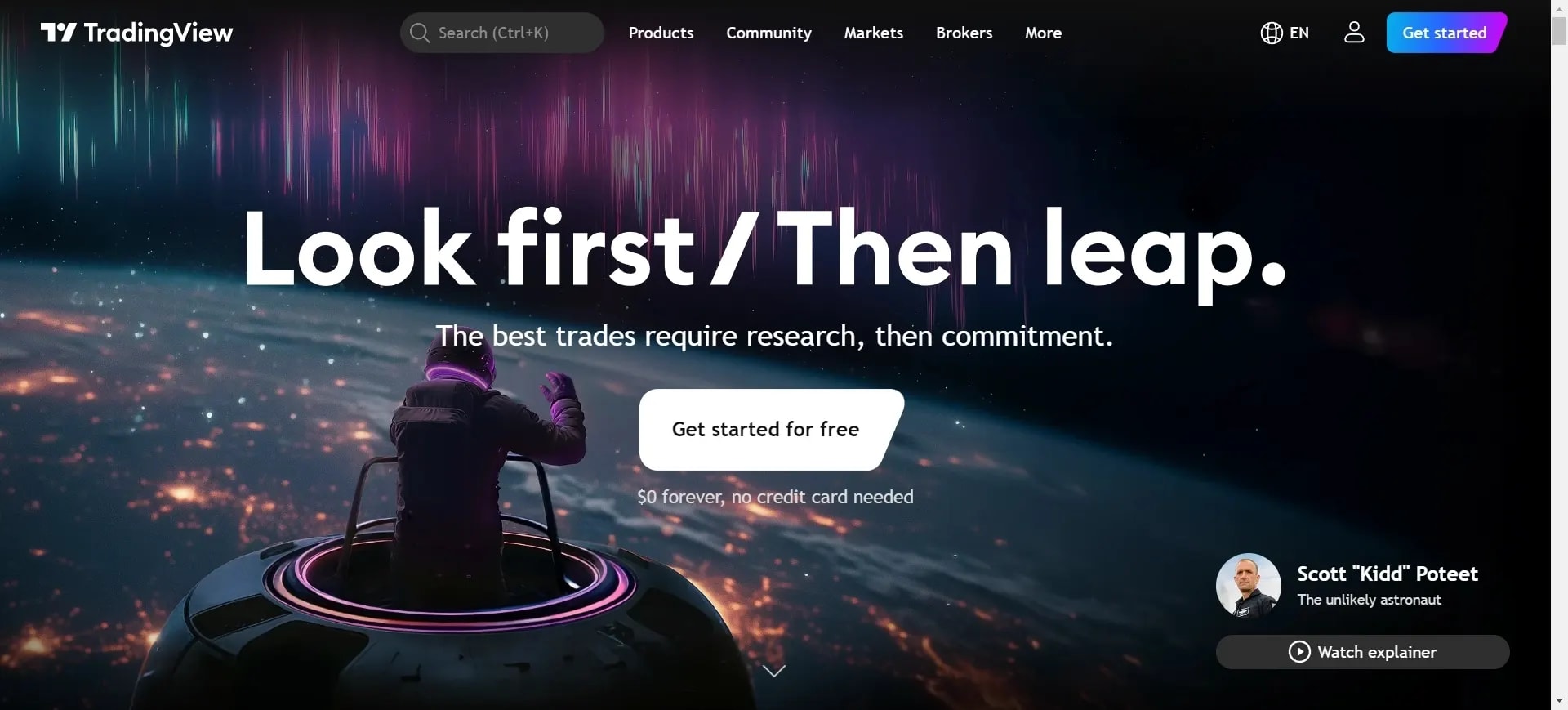
2. TradingView — fast, cross-asset charts & alerts
Lightning charts, huge community indicators, and broad broker connections. Paid tiers unlock more indicators, alerts, and data sources; the Pricing page shows current plan differences.
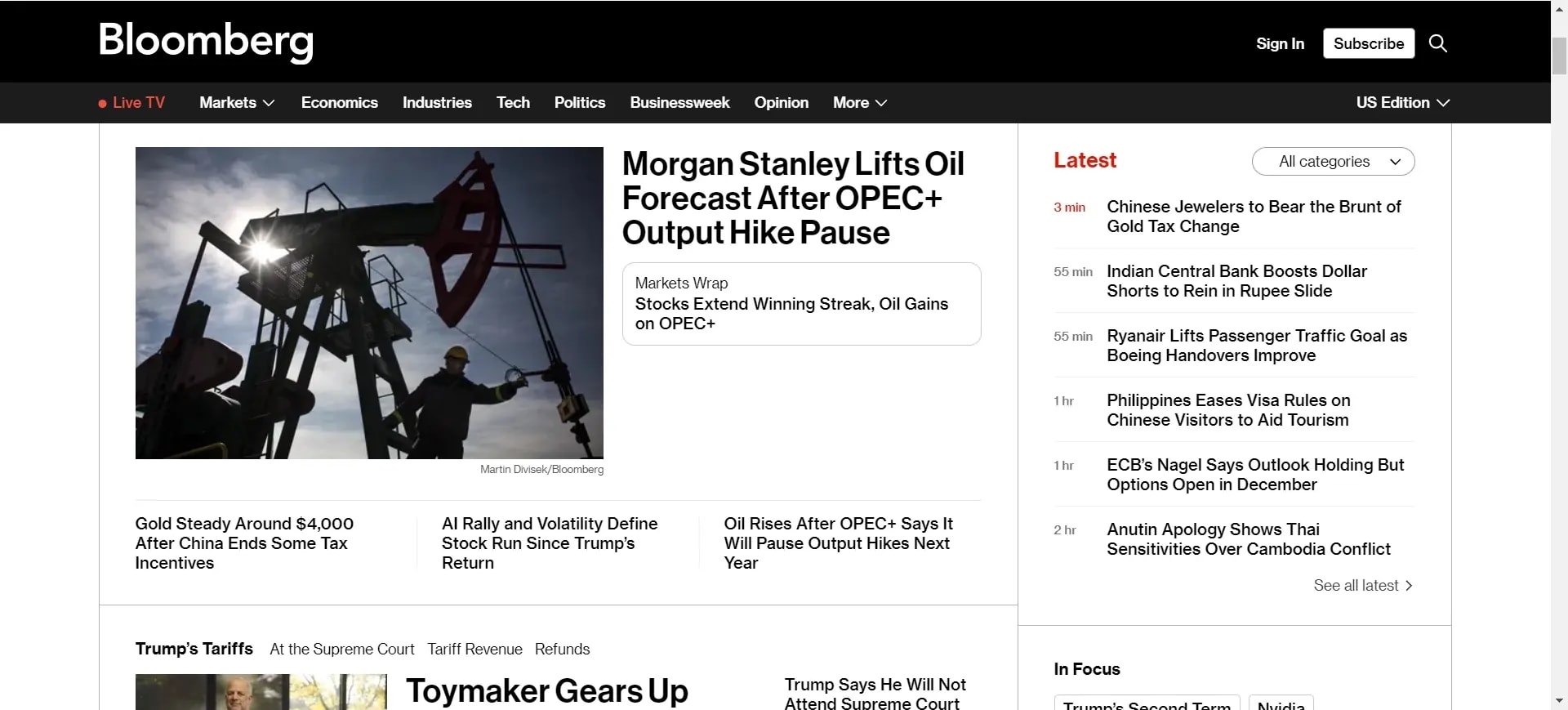
3. Bloomberg Terminal — enterprise-grade data, news & messaging
Still the institutional reference for breadth, speed, and the IB chat network. Officially “contact sales” for pricing; industry notes peg 2025 single-license costs in the low-to-mid-$30k/year range.
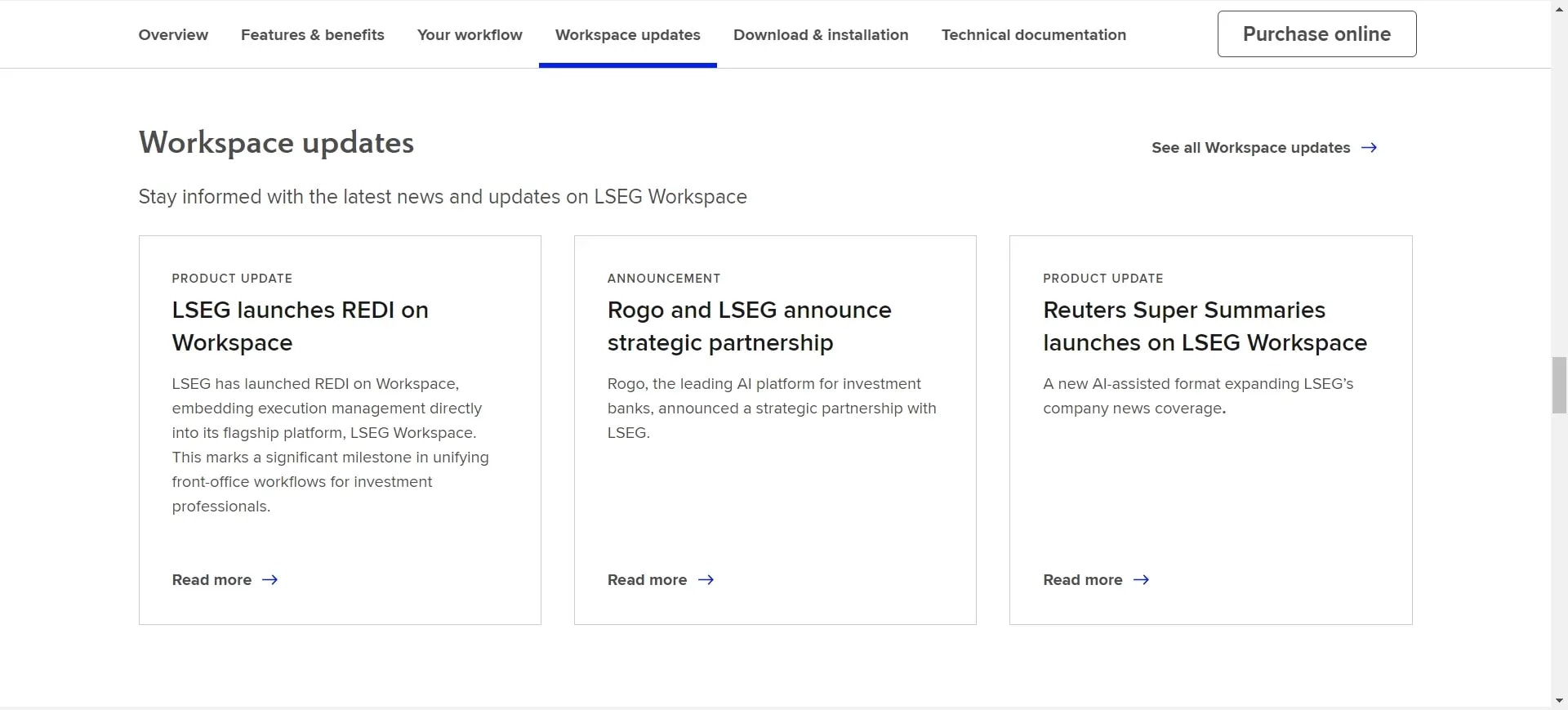
4. LSEG Workspace (Eikon successor) — modern desktop/web/mobile suite
Refinitiv Eikon has been phased out; Workspace is now the flagship with Reuters news, analytics (e.g., StarMine), and expanded integrations. Migration guidance confirms Eikon’s retirement on June 30, 2025.
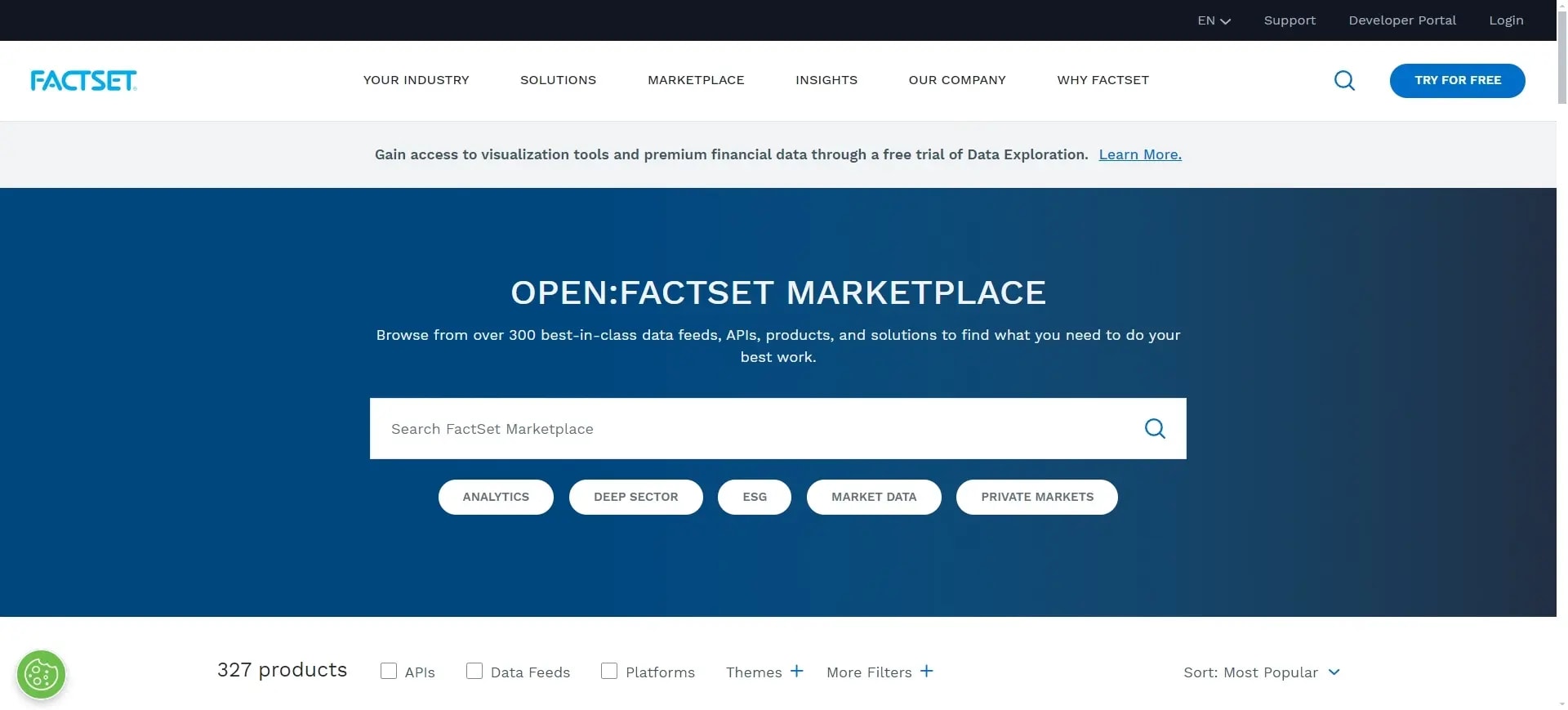
5. FactSet — deep fundamentals, estimates & Excel integration
A buy-side staple for model-ready data, portfolio analytics, and collaboration; pricing is enterprise/contract.
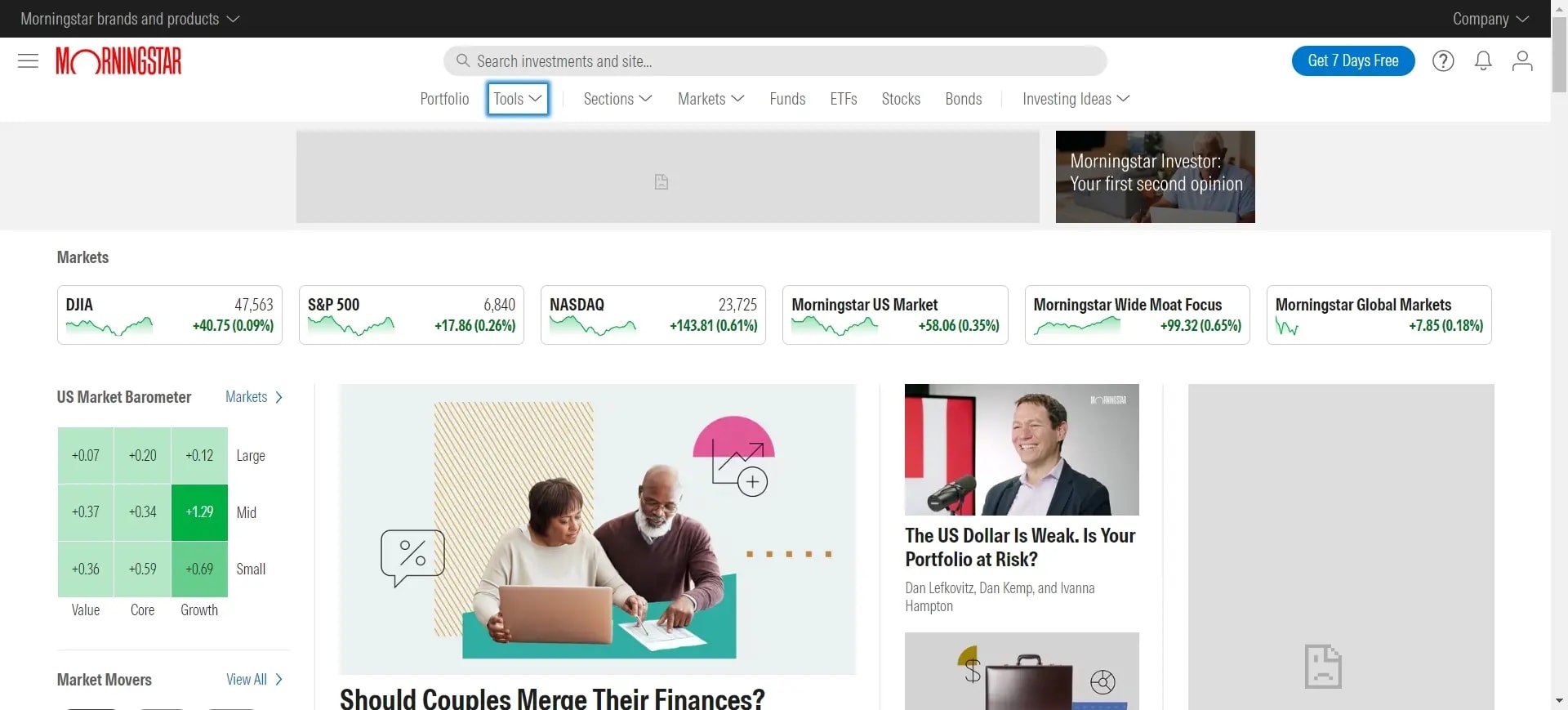
6. Morningstar Investor — ratings, screeners & portfolio tools
Approachable for long-term, fundamentals-driven investors. Morningstar announced 2025 changes to membership structure and how tools are accessed.
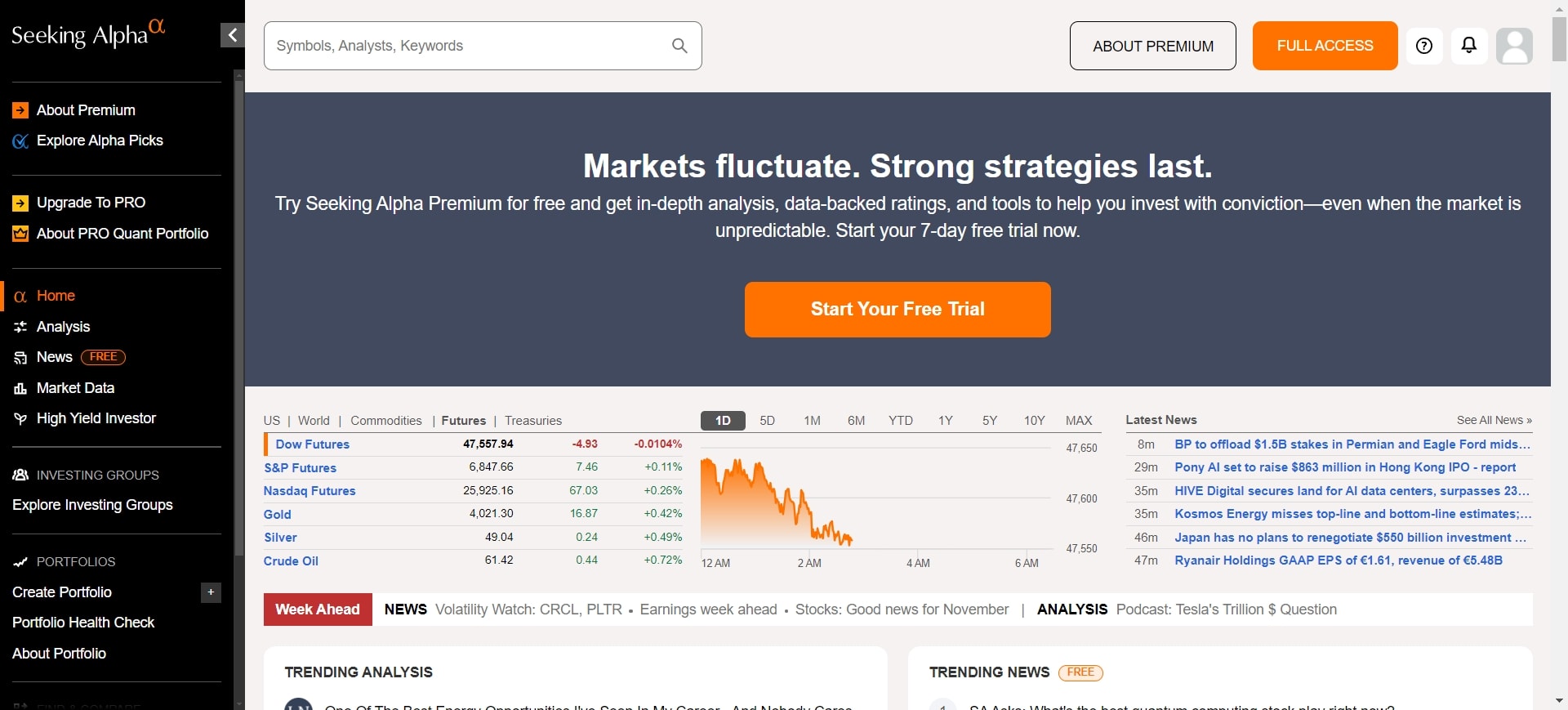
7. Seeking Alpha Premium — crowdsourced research + quant ratings
Premium unlocks factor-based quant ratings, author performance stats, and exclusive analysis; see the official subscriptions page for current terms.
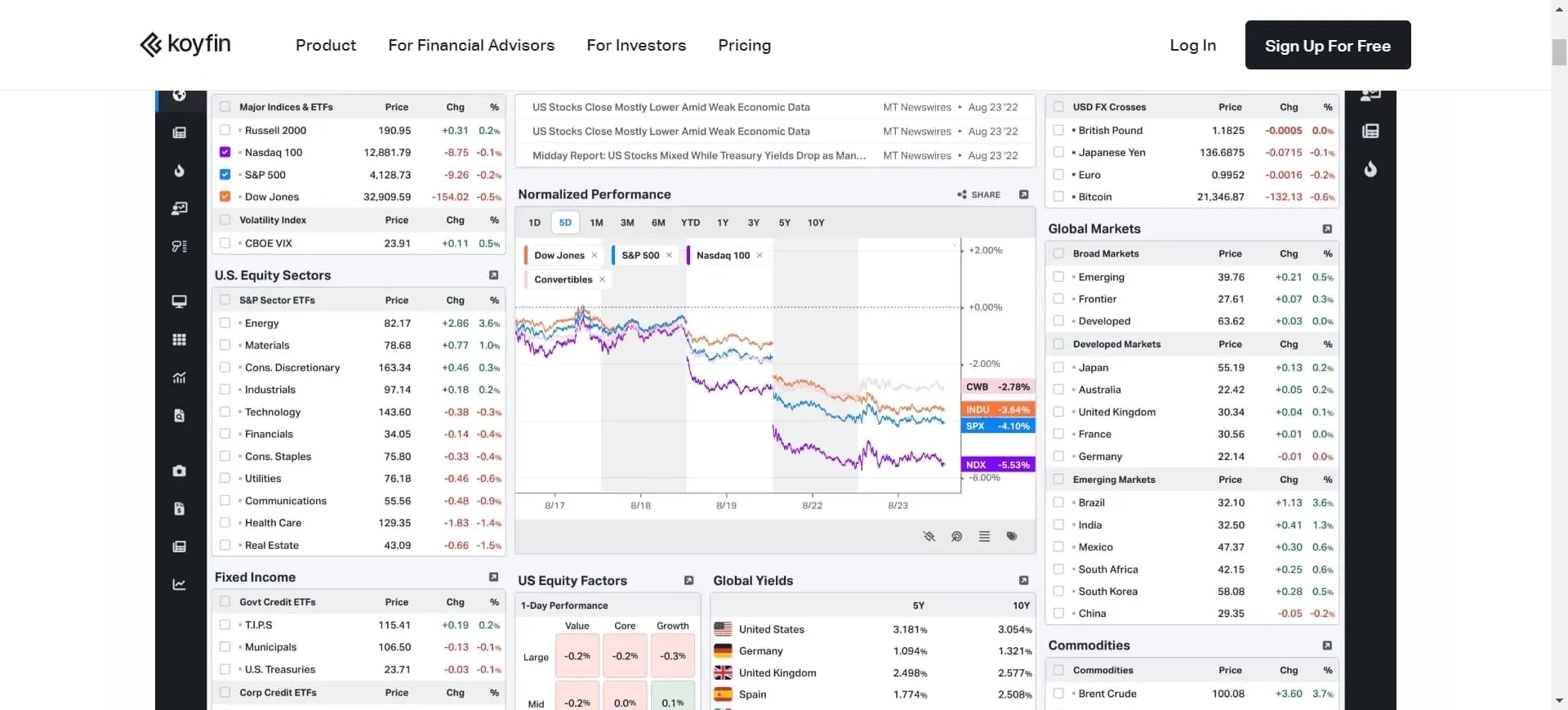
8. Koyfin — dashboards that unify macro, charts & fundamentals
Great for visual multi-asset dashboards and quick comps. Pricing and tiers are transparent on the official site.
9. TrendSpider — automation-first technical analysis
Auto-trendlines, multi-timeframe overlays, strategy testing, and unique Raindrop Charts that combine price and volume in a single candle.

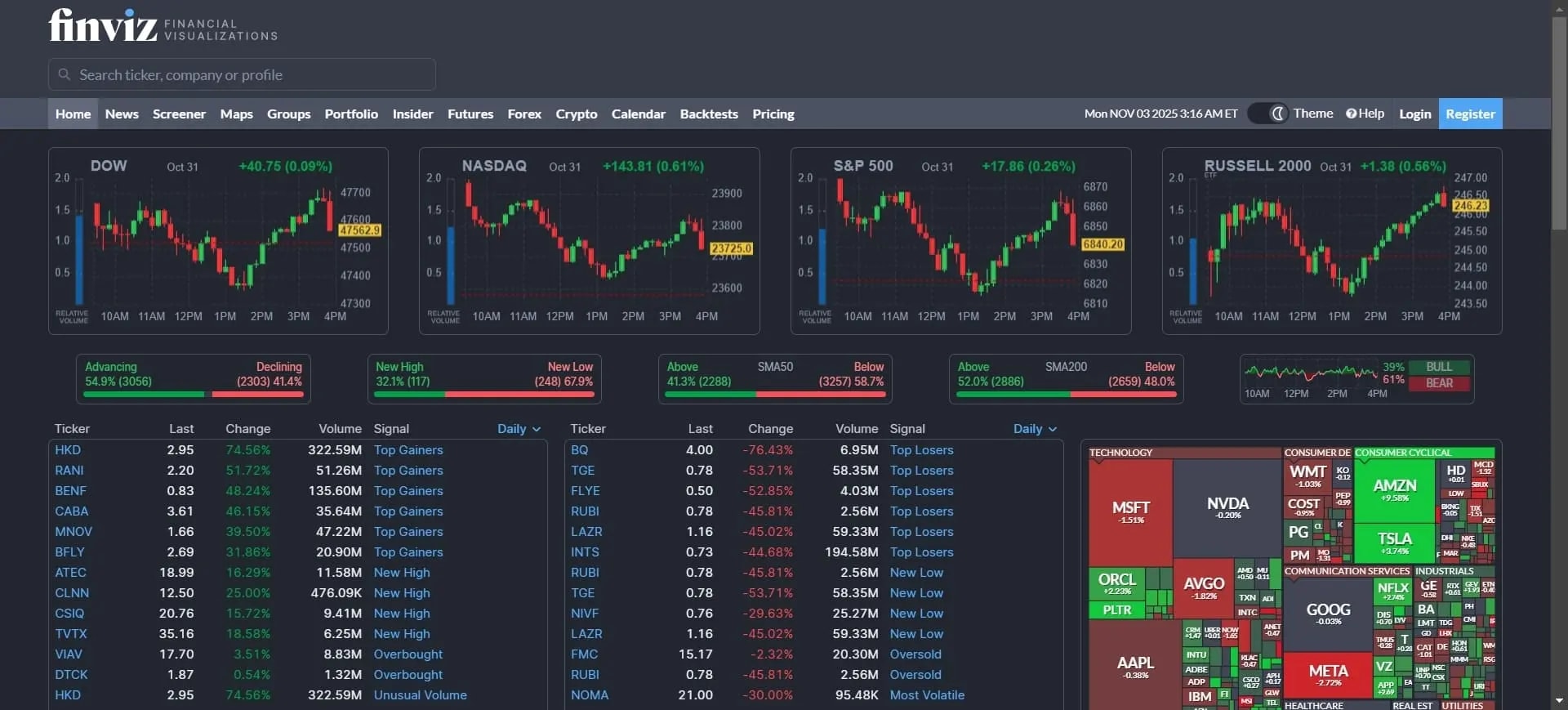
10. FINVIZ — high-speed screening with real-time data
Famous heatmaps and a fast equities screener; Elite adds real-time quotes, pre/post-market, and more filters.
Quick comparison (at a glance)
Tool | Best for | 2026 Pricing Class | Access |
|---|---|---|---|
Deeptracker AI | AI signals, credible event filtering, risk overlays | Free → paid tiers | Web |
TradingView | Charts, alerts, social scripts | Free → paid tiers | Web, desktop, mobile |
Bloomberg Terminal | Enterprise data/news & IB chat | Enterprise (contact sales) | Desktop |
LSEG Workspace | Enterprise research + Reuters | Enterprise | Desktop, web, mobile |
FactSet | Pro fundamentals/estimates/Excel | Enterprise | Desktop, web, Excel |
Koyfin | Visual dashboards & comps | Subscription | Web |
TrendSpider | Automated technicals | Subscription | Web, desktop |
FINVIZ Elite | Fast equity screening | Subscription | Web |
Sources: Deeptracker overview; TradingView pricing; Bloomberg order page & 2025 industry pricing note; LSEG Workspace/Eikon retirement; FactSet solutions; Koyfin pricing; TrendSpider site; FINVIZ Elite page.
Build the right stack for your style
If you’re long-term and fundamentals-first: anchor on Morningstar Investor for ratings, screeners, and portfolio tools; add TIKR for global filings, transcripts, owner data; then overlay Deeptracker’s signal filtering to catch unexpected events that change your thesis. Validate with your local filings system (e.g., EDGAR, SEDAR+, Companies House).
If you’re an active trader: pair TradingView or TrendSpider with your broker platform (TWS, TradeStation, Saxo). Let Deeptracker watch for macro/supply-chain shocks that can move prices outside regular sessions.
If you’re systematic/quant-curious: prototype in TradingView/TrendSpider, then rebuild and backtest in QuantConnect (LEAN). Keep Deeptracker on as a real-time risk radar that can auto-flag events to pause or hedge strategies.
If you’re futures-centric: NinjaTrader or TradeStation for execution & margin tools; use Deeptracker to monitor energy/ags/metals disruptions whose ripple effects can hit futures curves first.
Workflow playbooks (steal these)
Playbook A: Earnings-surprise hunter
- Use Deeptracker’s news sentiment to flag tone spikes on watchlist names.
- Confirm catalysts in your local filings system (e.g., 6-K/8-K, interim/annual reports) via EDGAR, SEDAR+, or Companies House.
- Screen peers (FINVIZ/TIKR) and chart relative strength in TradingView/TrendSpider.
- Execute with your broker (TWS, TradeStation, Saxo) and set alerts for extended sessions if available.
Playbook B: Supply-chain ripple detector
- Track suppliers/customers for portfolio names in Deeptracker and map multi-tier exposure.
- When an upstream event hits (e.g., factory outage), use AI Tracking to verify source credibility and trigger alerts.
- Cross-check filings (EDGAR/SEDAR+/Companies House) and wire coverage (e.g., Reuters inside Workspace).
- Hedge exposures (options/futures) and place conditional alerts in TradingView or TrendSpider.
Playbook C: Options idea → systematic strategy
- Scan options setups in your broker (TWS/TradeStation). Validate quant factors with Seeking Alpha Premium or Koyfin dashboards.
- Prototype rules in TrendSpider; port logic to QuantConnect for in-/out-of-sample testing.
- Keep Deeptracker running as a “kill-switch” feed—if a high-impact signal fires, reduce risk.
Coverage & capabilities
Tool | Asset Coverage | Automation/AI | Notable perk |
|---|---|---|---|
Deeptracker AI | Equities, ETFs, crypto, supply-chain entities | Signal filtering, AI tracking, portfolio/risk add-ons | Early, credible event alerts |
TradingView | Equities/ETFs, futures, FX, crypto | Pine scripts & scripted alerts | Massive indicator library |
LSEG Workspace | Global multi-asset + Reuters news | Discovery, app workflows | Eikon→Workspace migration done |
IBKR TWS | Global multi-asset | Risk & fundamental/technical analytics | Deep broker-integrated tools |
Sources: Deeptracker features; TradingView features; LSEG migration note; IBKR analytical tools guide.
Platforms & brokers: feature snapshot
Platform | Level II / Time & Sales | Paper Trading | Extended / Overnight |
|---|---|---|---|
Interactive Brokers TWS | Yes | Yes | Extended hours on many markets |
TradeStation | Yes | Yes | Extended hours; global variants |
SaxoTraderGO | Depth & option chains | Demo mode | Global sessions by venue |
NinjaTrader (futures) | Depth | Yes | Futures sessions; low intraday margins |
Sources: IBKR TWS guide; TradeStation pricing/overview; SaxoTraderGO platform page; NinjaTrader margin documentation.
How to test before you pay
- Create a pilot watchlist of 10–15 tickers across sectors and regions. Turn on Deeptracker alerts; use TradingView/TrendSpider for screeners & charts. :contentReference[oaicite:33]{index=33}
- Run a filings day: for one company, pull last year’s annual/interim reports and recent event filings from EDGAR, SEDAR+, or Companies House; compare how fast each platform surfaces the same facts. :contentReference[oaicite:34]{index=34}
- Backtest one idea in QuantConnect; keep Deeptracker alerting in parallel to see when real-world events should override rules.
What your budget buys in 2026 (typical ranges)
$0–$50/month: TradingView entry-level tiers, TrendSpider starter, Koyfin basic, and many Deeptracker capabilities cover most active retail workflows. Check each site for current offers.
Subscription mid-tier: Seeking Alpha Premium adds quant ratings and exclusive analysis.
Enterprise: LSEG Workspace, FactSet, and Bloomberg are contract-priced; industry notes indicate Bloomberg’s 2025 single-license cost increased, underscoring the value of pairing a lighter desktop with an AI signal layer like Deeptracker.
Bottom line for 2026: Your edge isn’t owning the most data—it’s reducing time-to-insight. The stack that consistently does that is Deeptracker AI + your favorite charts + a capable broker platform, with facts verified in the right filings registry for your market.
People Also Ask (2026)
What’s the single best stock market analysis tool?
No one tool wins. Most investors do best with a stack: charting/screening (TradingView or TrendSpider) + an AI signal layer (Deeptracker) + your broker’s platform for execution.
How do I verify a sensational rumor before I trade?
Check Deeptracker’s credibility score and clustered sources, then confirm in your region’s filings registry (EDGAR/SEDAR+/Companies House), and cross-check reputable wires (e.g., Reuters in Workspace). Avoid acting on unverified social posts.
Is Bloomberg Terminal worth it for individuals?
It’s typically enterprise-priced; many individuals pair lighter tools (TradingView/Koyfin/Seeking Alpha) with Deeptracker’s AI layer, and use a capable broker platform instead.
What replaced Refinitiv Eikon?
LSEG Workspace is the successor; Eikon was retired on June 30, 2025.